
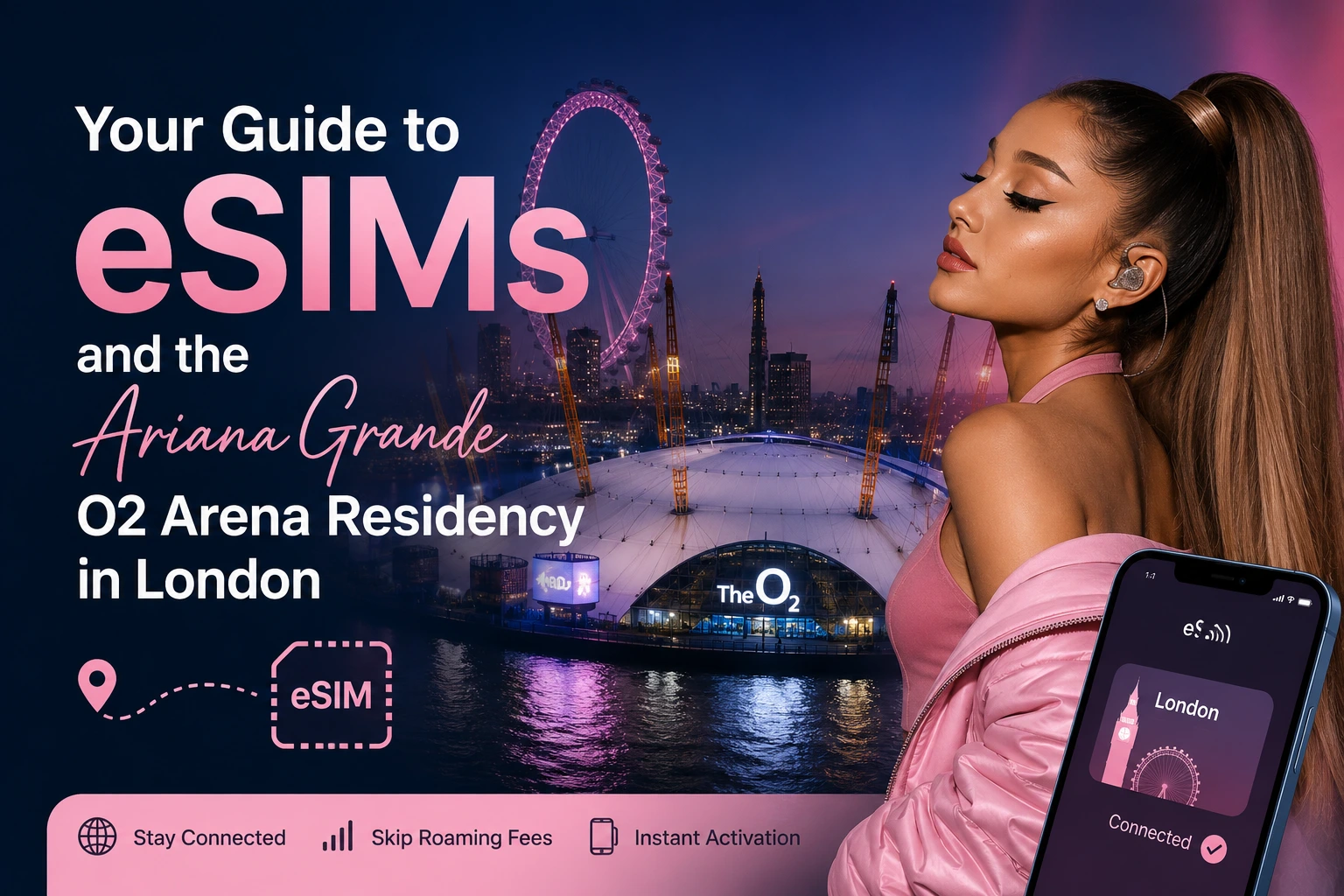
Your Guide to eSIMs and the Ariana Grande O2 Arena Residency in London
You have the ticket. You have the flight booked. Then you land at Heathrow, switch your phone off airplane mode, and see a roaming charge warning from your home carrier. Suddenly the map you needed, the ticket in your email, and the friend you were meant to meet at North Greenwich station all feel very far away.
This is the single most common problem international fans run into when traveling for a show. It is also the easiest one to solve. An eSIM for London gives you working mobile data the moment you land, without hunting for a shop or swapping a tiny plastic card in an airport bathroom.
This guide covers everything you need for the O2 Arena residency running from 15 August to 1 September 2026. You will learn how to get online before you even leave home, how much data you actually need, how to get to the venue, and what to expect from mobile networks inside an arena packed with 20,000 people.
Let's start with the part that trips up most travelers.
Why Roaming Is the Wrong Answer for a Concert Trip
Most travelers default to roaming because it requires no thought. You land, your phone connects, and you carry on. The problem shows up on your bill.
Roaming charges outside your home region are often billed per megabyte or in expensive daily bundles. A single day of heavy use, uploading videos from a concert, checking maps, streaming music on the tube, can cost more than an entire week of travel data.
There is a second problem that people notice less. Many carriers throttle roaming speeds. You may technically have a connection, but it crawls. That is exactly what you do not want when you are trying to pull up a digital ticket at a venue entrance with a queue building behind you.
For travelers coming from inside the EU, note that the EU roaming rules do not extend to the UK anymore. According to the European Commission, the Roam Like At Home framework applies within the EU and EEA, and the UK's departure means UK roaming is set by individual operator policy rather than EU regulation. [Source: ec.europa.eu] Some carriers still include the UK voluntarily, many do not. Always check before you rely on it.
A travel eSIM sidesteps all of this. You pay a fixed price for a set amount of data, you know the cost upfront, and there is no bill shock waiting for you at home.
What an eSIM Actually Is, in Plain Terms
An eSIM is a SIM card built into your phone. Instead of a physical chip you slot in, it is a digital profile you download.
You buy a plan, you get a QR code, you scan it, and your phone downloads the profile. That is the whole process. It takes a couple of minutes.
The important part for travelers is this: your regular SIM stays in place. Your normal number keeps working for calls and texts. The eSIM simply handles your data while you are abroad. You are not giving anything up.
If you are unsure whether this is the right approach for your trip, it is worth reading up on whether an eSIM or physical SIM is right for you before you buy. For most short international trips the eSIM wins on convenience alone.
Will Your Phone Work?
Most modern phones support eSIM. As a quick reference:
- iPhone: XS, XR and every model after
- Samsung Galaxy: S20 and newer, plus recent Z Fold and Z Flip models
- Google Pixel: Pixel 3 and newer
- Others: Many recent Motorola, Huawei, Oppo and Sony flagships
Two things to check before you buy any travel eSIM. First, your phone must be carrier unlocked. Phones bought on contract are sometimes locked to a network and will refuse an outside eSIM profile. Second, on some phones you can store several eSIM profiles but only use one or two at a time. If you already travel a lot, you may want to know how many eSIMs you can have on one phone so you can tidy up old profiles before adding a new one.
Setting Up Before You Fly
Here is the single best piece of advice in this guide. Install your eSIM at home, on your own wifi, before you travel.
You need an internet connection to download the eSIM profile. If you wait until you land, you are relying on airport wifi, which is often slow and sometimes requires a sign-up form you cannot complete without a working connection. Doing it at home removes that risk entirely.
The process looks like this:
- Buy your plan and receive a QR code by email.
- Open your phone settings and find the mobile or cellular data section.
- Choose the option to add an eSIM or add a data plan.
- Scan the QR code.
- Label the profile something obvious, like "London trip".
- Leave it switched off until you land.
That last step matters. Most travel eSIM plans start counting your days from first activation, not from purchase. Install it now, activate it when you arrive.
When you land at Heathrow, Gatwick or Stansted, you turn the profile on in settings and you have data before you reach passport control. The full walkthrough is covered in our guide on how to set up your VIA eSIM if you want screenshots to follow along with.
How Much Data Do You Need for a London Concert Trip?
This is where people either overspend or run out at the worst moment. Here is a realistic breakdown of what common activities consume.
Activity Approximate data use Google Maps navigation 5 MB per hour WhatsApp messages and photos 10 MB per hour Instagram scrolling 100 MB per hour Uploading a 60 second video 50 to 100 MB Music streaming 80 MB per hour Video streaming, standard quality 700 MB per hour Video call 300 MB per hour For a typical concert trip, the heavy items are video uploads and social media. Fans post a lot from shows. A single night at the arena, filming a few songs and posting stories, can easily use 1 GB on its own.
Suggested planning numbers:
- Weekend trip, two to three days: 3 to 5 GB
- Week-long trip with sightseeing: 10 GB
- Two weeks, or heavy video posting: 20 GB or an unlimited plan
Buy slightly more than you think you need. Running out on the night of the show is a genuinely miserable experience, and topping up mid-trip is more expensive than buying the right size at the start.
One easy way to stretch your data: download your Spotify playlists, your Google Maps area for central London, and your ticket PDF while you are still on wifi at the hotel. Offline maps in particular save a surprising amount.
Getting to the O2 Arena
The O2 Arena sits on the Greenwich Peninsula in southeast London. It is well connected, but the routes are not obvious if you have never been.
By tube. The Jubilee line to North Greenwich is the standard route and the station sits directly beside the venue. From central London it takes roughly 15 to 20 minutes. The Jubilee line is one of the better connected lines for mobile signal, though coverage in tunnels is still patchy across the network.
By Elizabeth line and DLR. You can also reach the area via Canary Wharf and connect onward. This is useful if you are staying east.
By cable car. The IFS Cloud Cable Car crosses the Thames to the Greenwich Peninsula. It is slower than the tube but the view is genuinely worth it once, and it is rarely crowded.
By river. Uber Boat by Thames Clippers runs to North Greenwich Pier. This is the most pleasant approach on a warm evening and it avoids the post-show tube crush entirely.
By taxi or rideshare. Workable but expensive, and traffic around the peninsula after a show is heavy. Expect long waits at the end of the night.
A practical note on the journey home. After a show, 20,000 people leave at once and North Greenwich station queues heavily for 30 to 45 minutes. Two options work well. Either leave a couple of songs early if you are in a rush, or plan to stay in the area, get food, and let the crowd clear. The bars and restaurants around the venue stay open late on show nights specifically for this.
You will want working data for all of this. Live tube status, rideshare apps, and finding your group in a crowd all depend on it.
Does Mobile Data Actually Work Inside a Packed Arena?
This is the question that matters most and the one most guides skip.
The honest answer is that crowds are the hardest test for any mobile network. When 20,000 phones are in one building all trying to upload video at the same time, cell towers get congested. This is why people often find their signal drops to nothing at large events even though they have full bars.
Network quality inside a venue depends on the operator's infrastructure and how much capacity they have allocated. UK regulator Ofcom tracks mobile coverage and network performance across the country, and its reporting consistently shows that real-world speeds in dense urban areas vary significantly between operators, particularly at peak load. [Source: ofcom.org.uk]
This is exactly the scenario VIA eSIM has tested for. VIA eSIM plans have been tested in some of the most demanding real-world conditions, including Old Trafford stadium with 75,000 people present, where data worked flawlessly, averaging 250 Mbps on 5G. If a connection holds at a capacity football match, an arena show is well within its limits.
We have also tested VIA eSIM around London itself. We recorded speeds of 380 Mbps on 5G at Piccadilly Circus during a busy weekend evening, and 310 Mbps on 5G near the Tower of London with tourist crowds around. Coverage across central London and the Greenwich Peninsula is strong.
A few practical tips for getting a signal in a crowd regardless of provider:
- Move slightly away from the densest part of the floor if you need to send something urgent.
- Concourses and upper levels usually have better throughput than the standing floor.
- Send messages rather than making calls. Text uses a fraction of the bandwidth.
- Screenshot your ticket before you arrive so you are not depending on a live load at the gate.
That last one is worth repeating. Save your ticket offline. Venue entrances are the single worst place to discover you have no signal.
Can You Share Your Connection?
Yes, and this is one of the most useful things about traveling with a data eSIM.
Hotspot and tethering let you share your connection with travel companions or a laptop. If you are traveling in a group, one person with a solid data plan can keep everyone online. This works well for families and for friends splitting costs.
To turn it on, go into your phone settings, find the personal hotspot or mobile hotspot option, and switch it on. Set a password. Then your friends connect to it like any wifi network.
Two things to watch. Hotspot use drains your battery quickly, so carry a power bank on show days. And shared data disappears fast, especially if someone starts streaming video. If you plan to hotspot for a group, size your plan up accordingly.
What to Do in London Around the Shows
The residency runs across two and a half weeks, so many fans are building a proper trip around it rather than flying in and out.
Near the venue, Greenwich itself is worth a half day. The Royal Observatory, the Cutty Sark, and Greenwich Market are all within a short walk of each other and the park has one of the best views back across the city.
Central London staples still hold up. The British Museum and the Tate Modern are both free to enter. Borough Market is excellent for food. Regent's Park and Hampstead Heath are the two best green spaces if you want a quieter morning.
For late August specifically, the Notting Hill Carnival takes place over the August bank holiday weekend. It is one of the largest street festivals in Europe and it is extremely crowded, which is another situation where a reliable connection and a pre-agreed meeting point genuinely matter.
Practical London notes for visitors:
- Contactless payment works on all tube, bus and rail services. You do not need a paper ticket or an Oyster card.
- Buses do not take cash at all.
- Tap in and tap out on the tube and rail. On buses you only tap in.
- Most museums are free but special exhibitions are ticketed.
- Tipping is normal at around 10 percent in restaurants, though service is often already included.
Frequently Asked Questions
Q: Can I keep my normal phone number while using a travel eSIM? A: Yes. Your physical SIM stays active for calls and texts on your usual number. The eSIM handles data only. You control which line does what in your phone settings.
Q: How long does activation take? A: Usually a couple of minutes. You scan the QR code, the profile downloads, and you switch it on when you arrive. Install it at home on wifi to be safe.
Q: What happens if I run out of data? A: You can top up. Your connection stops rather than rolling into expensive overage charges, which is the point. Buying a slightly larger plan upfront is usually cheaper than topping up mid-trip.
Q: Will an eSIM work on the London Underground? A: Coverage on the tube is improving but still incomplete across the network. Some stations and tunnel sections have signal, many do not. Download offline maps before you travel.
Q: Do I need to remove my physical SIM? A: No. Both can stay installed. You just choose which one handles data.
Sources
- European Commission, Roaming regulation and Roam Like At Home rules. https://ec.europa.eu/digital-single-market/en/roaming
- Ofcom, Connected Nations report, UK mobile coverage and network performance. https://www.ofcom.org.uk/research-and-data/multi-sector-research/infrastructure-research